


Page 56 - Designing Autonomous Mobile Robots : Inside the Mindo f an Intellegent Machine
P. 56
The Basics of Real-time Software (For Mere Mortals)

               Luckily, VB has enough flexibility to allow a work-around for this problem. Any
               form, including the Main form, can include a subroutine called Unload. If the form
               has such a subroutine, then it will be called if an attempt is made to close the form.
               The argument Cancel is passed to the Unload subroutine by reference, and setting it
               true will cancel the unload event.

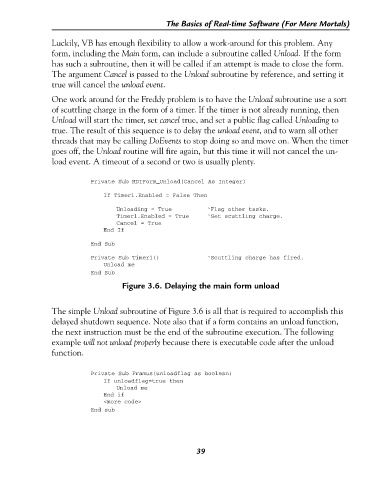
               One work around for the Freddy problem is to have the Unload subroutine use a sort
               of scuttling charge in the form of a timer. If the timer is not already running, then
               Unload will start the timer, set cancel true, and set a public flag called Unloading to
               true. The result of this sequence is to delay the unload event, and to warn all other
               threads that may be calling DoEvents to stop doing so and move on. When the timer
               goes off, the Unload routine will fire again, but this time it will not cancel the un-
               load event. A timeout of a second or two is usually plenty.


                          Private Sub MDIForm_Unload(Cancel As Integer)

                              If Timer1.Enabled = False Then
                                 Unloading = True          ‘Flag other tasks.
                                 Timer1.Enabled = True     ‘Set scuttling charge.
                                 Cancel = True
                              End If
                          End Sub
                          Private Sub Timer1()             ‘Scuttling charge has fired.
                              Unload me
                          End Sub
                                   Figure 3.6. Delaying the main form unload


               The simple Unload subroutine of Figure 3.6 is all that is required to accomplish this
               delayed shutdown sequence. Note also that if a form contains an unload function,
               the next instruction must be the end of the subroutine execution. The following
               example will not unload properly because there is executable code after the unload
               function.


                          Private Sub Framus(unloadflag as boolean)
                              If unloadflag=true then
                                 Unload me
                              End if
                              <more code>
                          End sub


                                                        39

