


Page 139 -
P. 139
243_masterpieces_03.qxd  4/18/03  7:01 PM  Page 111


                                                                     The LEGO Turning Machine • Masterpiece 3  111


                         3. The machine changes the symbol on the tape, erases it, or leaves it as is.
                         4. The machine moves the tape to either the left or to the right.
                         5. The machine may or may not change its internal state to a new state.

                         6. If in the “stop” state, the machine stops operating; otherwise, the process starts
                             again from Step 1.
                        All of these decisions are based on its current state; that is, on its state transition table,
                    which determines the machine’s behavior.The first part of it indicates the situation of the
                    device: its state and the symbol read on the current cell.The second part of the table con-
                    tains the instructions for the machine’s operations including what to write (if anything),
                    where to go, and which state to shift to.
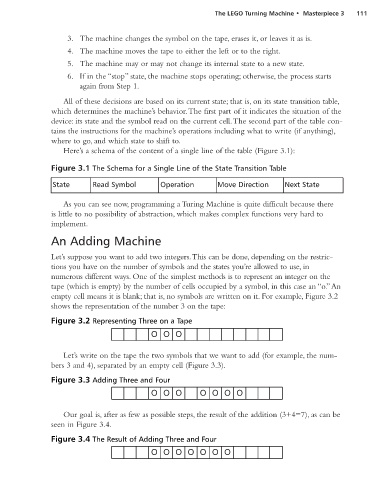
                        Here’s a schema of the content of a single line of the table (Figure 3.1):


                    Figure 3.1 The Schema for a Single Line of the State Transition Table

                     State       Read Symbol         Operation       Move Direction      Next State

                        As you can see now, programming a Turing Machine is quite difficult because there
                    is little to no possibility of abstraction, which makes complex functions very hard to
                    implement.

                    An Adding Machine

                    Let’s suppose you want to add two integers.This can be done, depending on the restric-
                    tions you have on the number of symbols and the states you’re allowed to use, in
                    numerous different ways. One of the simplest methods is to represent an integer on the
                    tape (which is empty) by the number of cells occupied by a symbol, in this case an “o.”An
                    empty cell means it is blank; that is, no symbols are written on it. For example, Figure 3.2
                    shows the representation of the number 3 on the tape:

                    Figure 3.2 Representing Three on a Tape


                        Let’s write on the tape the two symbols that we want to add (for example, the num-
                    bers 3 and 4), separated by an empty cell (Figure 3.3).

                    Figure 3.3 Adding Three and Four


                        Our goal is, after as few as possible steps, the result of the addition (3+4=7), as can be
                    seen in Figure 3.4.

                    Figure 3.4 The Result of Adding Three and Four

