


Page 179 - The Art of Designing Embedded Systems
P. 179
166  THE  ART OF  DESIGNING EMBEDDED SYSTEMS


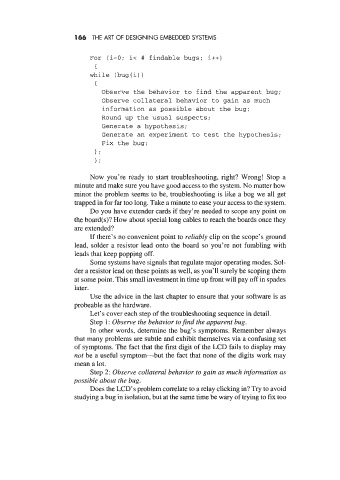
                            For  (i=O; i< #  findable bugs; i++)
                              {
                            while  (bug(i)
                                            )
                              I
                                Observe the behavior to find the apparent bug;
                                Observe collateral behavior to gain as much
                                information as possible about the bug;
                                Round up the usual suspects;
                                Generate a hypothesis;
                                Generate an experiment to test the hypothesis;
                                Fix the bug;
                              I;
                              1;

                            Now  you’re  ready  to  start troubleshooting,  right?  Wrong! Stop a
                        minute and make sure you have good access to the system. No matter how
                        minor the problem seems to be, troubleshooting is like a bog we all get
                        trapped in for far too long. Take a minute to ease your access to the system.
                            Do you have extender cards if they’re needed to scope any point on
                        the board(s)? How about special long cables to reach the boards once they
                        are extended?
                            If there’s no convenient point to reliably clip on the scope’s ground
                        lead, solder a resistor  lead onto the board  so you’re not fumbling with
                        leads that keep popping off.
                            Some systems have signals that regulate major operating modes. Sol-
                        der a resistor lead on these points as well, as you’ll surely be scoping them
                        at some point. This small investment in time up front will pay off in spades
                        later.
                            Use the advice in the last chapter to ensure that your software is as
                        probeable as the hardware.
                            Let’s cover each step of the troubleshooting sequence in detail.
                            Step 1: Observe the behavior tofind the apparent bug.
                            In other words, determine the bug’s symptoms. Remember always
                        that many problems are subtle and exhibit themselves via a confusing set
                        of  symptoms. The fact that the first digit of the LCD fails to display may
                        not be a useful symptom-but  the fact that none of the digits work may
                        mean a lot.
                            Step 2: Observe collateral behavior to gain as much information as
                       possible about the bug.
                            Does the LCD’s problem correlate to a relay clicking in? Try to avoid
                        studying a bug in isolation, but at the same time be wary of trying to fix too

