


Page 242 - The Art of Designing Embedded Systems
P. 242
A Simple Drawing System  229


                    The Top Level Configuration Drawing (which is really a BOM) calls out
                    subassemblies by referring to each with a drawing number with a dash suf-
                    fix-a  sort of pointer. Each subassembly contains pointers to parts or more
                    levels of indirection to further BOMs. This makes it easy to share drawings
                    between projects;  you just have to monkey  with the pointers. The dash
                    numbers insure that every configuration of a project is documented, not
                    just the overall PC layout.


                         BOM Format
                         BOMs are never “pictures” of anything-they  are always just Bills of
                    Materials (Le., parts  lists). The parts  list  includes every part  needed  to
                    build  that  subassembly.  Some of  the  parts  might  refer to  further  sub-
                     assemblies.
                         The parts list of the BOM has the following fields:
                           Item number (starting at 1 and working up)
                           Quantity used, by dash number
                            Part (or drawing) number
                            Description
                            Reference tie., U number or whatever)
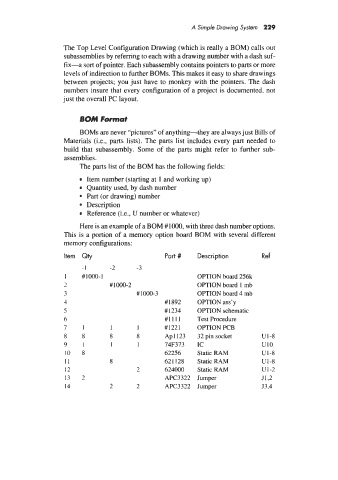
                         Here is an example of a BOM #IOOO, with three dash number options.
                     This is a portion of a memory option board BOM with several different
                     memory configurations:

                     I tern   Qty                  Part #    Description         Ref
                          -1       -2      -3
                     I    #1000-1                            OPTION board 256k
                     7            #1000-2                    OPTION board  1 mb
                     3                     ## 1000-3         OPTION board 4 mb
                     4                             #1892     OPTION ass’y
                     5                             #I234     OPTION schematic
                     6                             #I111     Test Procedure
                     7    1        1       I       #I221     OPTION PCB
                     8    8        8       8       Apl123    32 pin socket       u1-8
                     9    1        1       1       74F373    IC                  u10
                     10   8                        62256     Static RAM          u1-8
                     11            8               621 128   Static RAM          U1-8
                     12                    2       624000    Static RAM          u1-2
                     13   1                        APC3322  Jumper               J1,2
                          L
                     14            2       2       APC3322  Jumper               J3,4

