


Page 312 - Excel Progamming Weekend Crash Course
P. 312
r540629 ch22.qxd  9/2/03  9:35 AM  Page 287


                  Session 22 — A User Form Example                                       287

                  cmbStates.AddItem “MD”
                  cmbStates.AddItem “NC”
                  cmbStates.AddItem “NY”
                  cmbStates.AddItem “WV”

                  End Sub


               Part 4: Restricting Zip Code Entry to Digits
               A nice touch for this project is to restrict data entry in the zip code field to digits. This can
               be considered a form of data verification. Rather than checking data after it is entered (as
               will be done for some fields in the next section), it is sometimes more efficient to simply
               prevent improper data from being entered in the first place.
                  The way to examine keyboard input before it reaches a control is with the KeyDown
               event. As you learned in Session 21, this event receives an argument that identifies the key
               that was pressed. If the key is acceptable, it is passed through; if not, it is cancelled.
                  From the list of KeyCode values in the VBA online help, you can see the code values for
               the keys 0 through 9 are 48 though 57; therefore, if the KeyDown event procedure receives
               a KeyCode argument in the range 48 through 57, a digit was entered and can be passed
               through. Any other values must be cancelled.

                          You can restrict the data in the txtZip TextBox to five characters by setting
                          its MaxLength property, although that is not done in this project.
                   Tip
                  To add this code to the form, open the code-editing window for the form and then add
               the KeyDown event procedure for the txtZip control. Add the code from Listing 22-2 to the
               procedure. Note the use of the Beep statement, which causes the system to make a sound if
               an incorrect key is pressed.

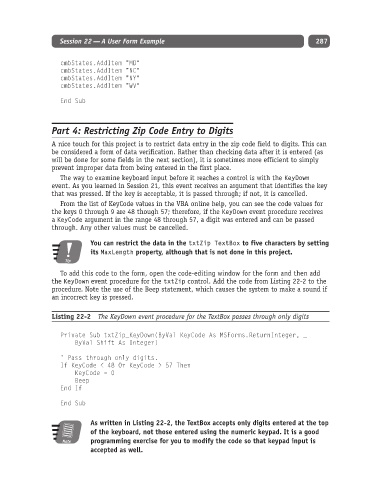
               Listing 22-2  The KeyDown event procedure for the TextBox passes through only digits


                  Private Sub txtZip_KeyDown(ByVal KeyCode As MSForms.ReturnInteger, _
                      ByVal Shift As Integer)

                  ‘ Pass through only digits.
                  If KeyCode < 48 Or KeyCode > 57 Then
                      KeyCode = 0
                      Beep
                  End If

                  End Sub

                          As written in Listing 22-2, the TextBox accepts only digits entered at the top
                          of the keyboard, not those entered using the numeric keypad. It is a good
                  Note    programming exercise for you to modify the code so that keypad input is
                          accepted as well.

