


Page 337 - Hacking Roomba
P. 337
318       Part III — More Complex Interfacing


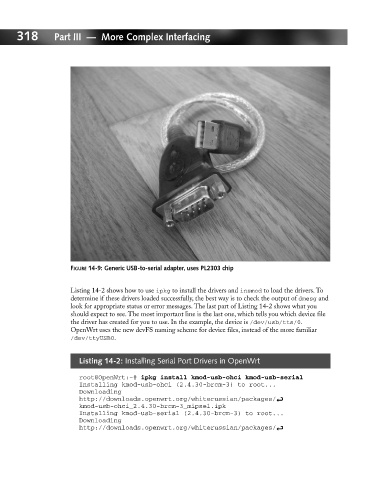
                             FIGURE 14-9: Generic USB-to-serial adapter, uses PL2303 chip


                             Listing 14-2 shows how to use ipkg to install the drivers and insmod to load the drivers. To
                             determine if these drivers loaded successfully, the best way is to check the output of dmesg and
                             look for appropriate status or error messages. The last part of Listing 14-2 shows what you
                             should expect to see. The most important line is the last one, which tells you which device file
                             the driver has created for you to use. In the example, the device is /dev/usb/tts/0.
                             OpenWrt uses the new devFS naming scheme for device files, instead of the more familiar
                             /dev/ttyUSB0.


                               Listing 14-2: Installing Serial Port Drivers in OpenWrt

                               root@OpenWrt:~# ipkg install kmod-usb-ohci kmod-usb-serial
                               Installing kmod-usb-ohci (2.4.30-brcm-3) to root...
                               Downloading
                               http://downloads.openwrt.org/whiterussian/packages/ i
                               kmod-usb-ohci_2.4.30-brcm-3_mipsel.ipk
                               Installing kmod-usb-serial (2.4.30-brcm-3) to root...
                               Downloading
                               http://downloads.openwrt.org/whiterussian/packages/ i

