


Page 305 - Excel Progamming Weekend Crash Course
P. 305
r540629 ch21.qxd  9/2/03  9:35 AM  Page 280


                280                                                          Sunday Morning


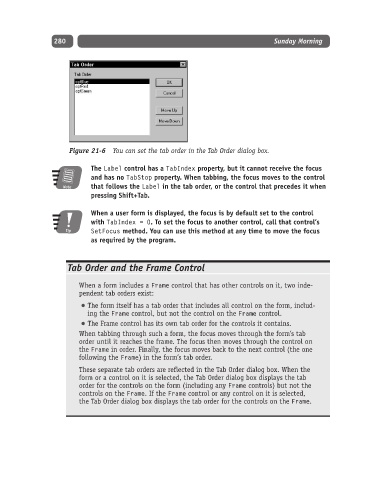
                    Figure 21-6 You can set the tab order in the Tab Order dialog box.

                          The Label control has a TabIndex property, but it cannot receive the focus
                          and has no TabStop property. When tabbing, the focus moves to the control
                   Note   that follows the Label in the tab order, or the control that precedes it when
                          pressing Shift+Tab.

                          When a user form is displayed, the focus is by default set to the control
                          with TabIndex = 0. To set the focus to another control, call that control’s
                   Tip    SetFocus method. You can use this method at any time to move the focus
                          as required by the program.


                    Tab Order and the Frame Control

                       When a form includes a Frame control that has other controls on it, two inde-
                       pendent tab orders exist:
                          The form itself has a tab order that includes all control on the form, includ-
                         ing the Frame control, but not the control on the Frame control.
                          The Frame control has its own tab order for the controls it contains.
                       When tabbing through such a form, the focus moves through the form’s tab
                       order until it reaches the frame. The focus then moves through the control on
                       the Frame in order. Finally, the focus moves back to the next control (the one
                       following the Frame) in the form’s tab order.
                       These separate tab orders are reflected in the Tab Order dialog box. When the
                       form or a control on it is selected, the Tab Order dialog box displays the tab
                       order for the controls on the form (including any Frame controls) but not the
                       controls on the Frame. If the Frame control or any control on it is selected,
                       the Tab Order dialog box displays the tab order for the controls on the Frame.

