


Page 180 -
P. 180
5.4  User frustration  149


                         error message was too long, the system truncated it to fit on the line, which the users
                         would spend ages trying to decipher. The full message was available only by pressing
                         the PF1 (help key) function key. While this may have seemed like a natural design
                         solution to the developers, it was not at all obvious to the users. A much better design
                         solution would have been to use the one line of the screen to indicate how to find
                         more information about the current error ("press the PF1 key for explanation").
                            The use of cryptic language and developer's jargon in error messages is a major
                         contributing factor in user frustration. It is one thing to have to cope when some-
                         thing goes wrong but it is another to have to try to understand an obscure message
                         that pops up by way of explanation. One of my favorites, which sometimes appears
                         on the screen when I'm trying to do something perfectly reasonable like paste some   I
                         text into a document, using a word processor, is: "The application Word Wonder
                         has unexpectedly quit due to a Type 2 error."
                            It is very clear from what the system has just done (closed the application very
                         rapidly) that it has just crashed, so such feedback is not very helpful. Letting the
                         user know that the error is of a Type 2 kind is also not very useful. How is the aver-
                         age user meant to understand this? Is there a list of error types ready at hand to tell
                         the user how to solve the problem for each error? Moreover, such a reference in-
                         vites the user to worry about how many more error types there might be. The tone
                         of  the message is also annoying. The adjective "unexpectedly" seems condescend-
                         ing, implying almost that it is the fault of  the user rather than the computer. Why
                         include such a word at all? After all, how else could the application have quit? One
                        could never imagine the opposite situation: an error message pops up saying, "The
                        application has expectedly quit, due to poor coding in the operating system."
                         How to avoid or help reduce the frustration:
                            Ideally, error messages should be treated as how-to-fix-it messages. Instead of
                         explicating what has happened, they should state the cause of  the problem  and
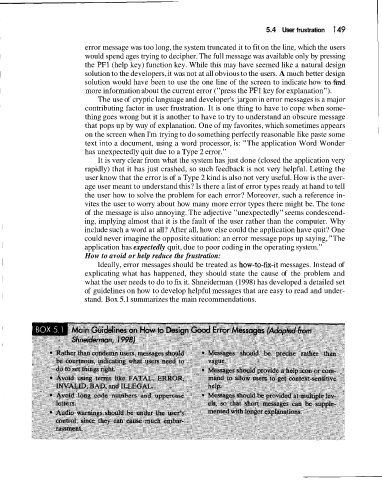
                         what the user needs to do to fix it. Shneiderman (1998) has developed a detailed set
                        of  guidelines on how to develop helpful messages that are easy to read and under-
                        stand. Box 5.1 summarizes the main recommendations.

