


Page 535 - Microsoft Office Excel 2003 Programming Inside Out
P. 535
Excel Query Program

                             The length of each temporary variable holding the connection string and the query is verified
                             to be non-zero. If the length is zero, the appropriate form is displayed to the user to fill in the
                             necessary information. When the form is closed, the user must hit the Run Query button to
                             try the query again.

                             Assuming that there is information in the connection string and the query string, the
                             RunQuery routine is called to execute the query with both the connection string and the
                             query string passed as parameters.


                    Building a Connection String
                             The following BuildConnectionString routine creates a connection string from information
                             previously stored in the Windows registry. The routine, which is located in the ThisWorkbook
                             module, begins by declaring a number of temporary variables that will hold the information
                             extracted from the registry, along with another temporary variable c that will hold final
                             return value from the function.

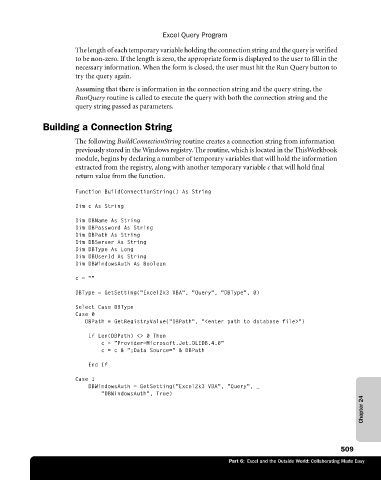
                             Function BuildConnectionString() As String

                             DimcAsString
                             Dim DBName As String
                             Dim DBPassword As String
                             Dim DBPath As String
                             Dim DBServer As String
                             Dim DBType As Long
                             Dim DBUserId As String
                             Dim DBWindowsAuth As Boolean
                             c=""

                             DBType = GetSetting("Excel2k3 VBA", "Query", "DBType", 0)
                             Select Case DBType
                             Case 0
                                DBPath = GetRegistryValue("DBPath", "<enter path to database file>")
                                 If Len(DBPath) <> 0 Then
                                    c = "Provider=Microsoft.Jet.OLEDB.4.0"
                                    c = c & ";Data Source=" & DBPath
                                 End If

                             Case 1
                                 DBWindowsAuth = GetSetting("Excel2k3 VBA", "Query", _
                                    "DBWindowsAuth", True)
                                                                                                             Chapter 24


                                                                                                       509
                                                                        Part 6:  Excel and the Outside World: Collaborating Made Easy

