


Page 530 - Microsoft Office Excel 2003 Programming Inside Out
P. 530
Microsoft Office Excel 2003 Programming Inside Out

                    Selecting Windows Authentication
                             A check box on the SQL Server page allows the user to select Windows authentication. When
                             the Windows authentication information is used, there is no need to display the userid and
                             passwords fields to the user.
                             The following code handles the Click associated with the check box and hides the userid and
                             password fields when the value of the control is True and displays them when the value is False.

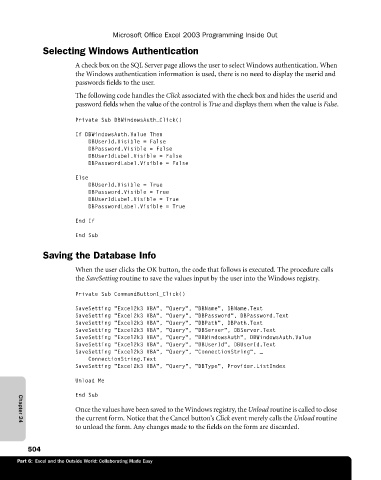
                             Private Sub DBWindowsAuth_Click()

                             If DBWindowsAuth.Value Then
                                 DBUserId.Visible = False
                                 DBPassword.Visible = False
                                 DBUserIdLabel.Visible = False
                                 DBPasswordLabel.Visible = False

                             Else
                                 DBUserId.Visible = True
                                 DBPassword.Visible = True
                                 DBUserIdLabel.Visible = True
                                 DBPasswordLabel.Visible = True
                             End If

                             End Sub

                    Saving the Database Info

                             When the user clicks the OK button, the code that follows is executed. The procedure calls
                             the SaveSetting routine to save the values input by the user into the Windows registry.

                             Private Sub CommandButton1_Click()

                             SaveSetting "Excel2k3 VBA", "Query", "DBName", DBName.Text
                             SaveSetting "Excel2k3 VBA", "Query", "DBPassword", DBPassword.Text
                             SaveSetting "Excel2k3 VBA", "Query", "DBPath", DBPath.Text
                             SaveSetting "Excel2k3 VBA", "Query", "DBServer", DBServer.Text
                             SaveSetting "Excel2k3 VBA", "Query", "DBWindowsAuth", DBWindowsAuth.Value
                             SaveSetting "Excel2k3 VBA", "Query", "DBUserId", DBUserId.Text
                             SaveSetting "Excel2k3 VBA", "Query", "ConnectionString", _
                                 ConnectionString.Text
                             SaveSetting "Excel2k3 VBA", "Query", "DBType", Provider.ListIndex
                             Unload Me

                             End Sub
                             Once the values have been saved to the Windows registry, the Unload routine is called to close
                             the current form. Notice that the Cancel button’s Click event merely calls the Unload routine
                             to unload the form. Any changes made to the fields on the form are discarded.
             Chapter 24

                504
             Part 6:  Excel and the Outside World: Collaborating Made Easy

