


Page 532 - Microsoft Office Excel 2003 Programming Inside Out
P. 532
Microsoft Office Excel 2003 Programming Inside Out

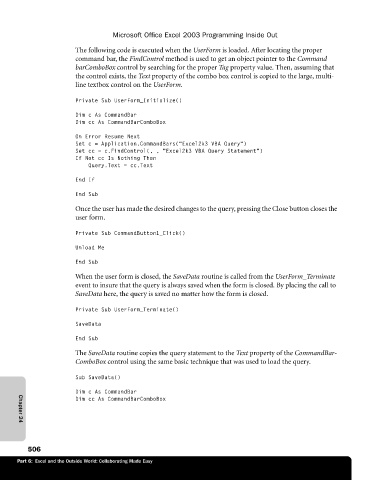
                             The following code is executed when the UserForm is loaded. After locating the proper
                             command bar, the FindControl method is used to get an object pointer to the Command
                             barComboBox control by searching for the proper Tag property value. Then, assuming that
                             the control exists, the Text property of the combo box control is copied to the large, multi-
                             line textbox control on the UserForm.

                             Private Sub UserForm_Initialize()
                             Dim c As CommandBar
                             Dim cc As CommandBarComboBox

                             On Error Resume Next
                             Set c = Application.CommandBars("Excel2k3 VBA Query")
                             Set cc = c.FindControl(, , "Excel2k3 VBA Query Statement")
                             If Not cc Is Nothing Then
                                 Query.Text = cc.Text
                             End If

                             End Sub
                             Once the user has made the desired changes to the query, pressing the Close button closes the
                             user form.

                             Private Sub CommandButton1_Click()
                             Unload Me

                             End Sub
                             When the user form is closed, the SaveData routine is called from the UserForm_Terminate
                             event to insure that the query is always saved when the form is closed. By placing the call to
                             SaveData here, the query is saved no matter how the form is closed.

                             Private Sub UserForm_Terminate()
                             SaveData

                             End Sub
                             The SaveData routine copies the query statement to the Text property of the CommandBar-
                             ComboBox control using the same basic technique that was used to load the query.

                             Sub SaveData()
                             Dim c As CommandBar
                             Dim cc As CommandBarComboBox


             Chapter 24


                506
             Part 6:  Excel and the Outside World: Collaborating Made Easy

