


Page 321 - Numerical Analysis Using MATLAB and Excel
P. 321
Summary


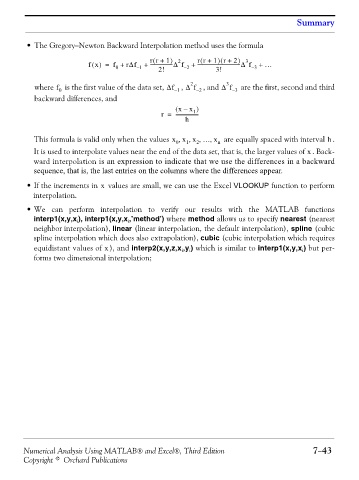
                •The Gregory−Newton Backward Interpolation method uses the formula

                                                                          )
                                                                          (
                                                      (
                                                                    (
                                                     rr + 1 )  2   rr + 1 r +  2 )  3
                                   fx() =  f +  rΔf  +  ------------------Δ f  +  -----------------------------------Δ f  +  …
                                           0     – 1    2!     – 2       3!         – 3
                                                                 2          3
                   where   is the first value of the data set, Δf – 1 , Δ f – 2 , and Δ f – 3  are the  first, second and third
                         f
                          0
                   backward differences, and
                                                             (  x –  x )
                                                                  1
                                                         r =  -------------------
                                                                h
                  This formula is valid only when the values x x x … x,  0  1 ,  2 ,  ,  n  are equally spaced with interval  . h
                  It is used to interpolate values near the end of the data set, that is, the larger values of  . Back-
                                                                                                     x
                  ward interpolation is an expression to indicate that we use the differences in a backward
                  sequence, that is, the last entries on the columns where the differences appear.
                • If the increments in   values are small, we can use the Excel VLOOKUP function to perform
                                      x
                  interpolation.

                • We can perform interpolation to verify  our results with the MATLAB functions
                  interp1(x,y,x ), interp1(x,y,x ,’method’) where method allows us to specify nearest (nearest
                               i
                                               i
                  neighbor interpolation), linear (linear interpolation, the default interpolation), spline (cubic
                  spline interpolation which does also extrapolation), cubic (cubic interpolation which requires
                  equidistant values of  ), and interp2(x,y,z,x ,y ) which is similar to interp1(x,y,x ) but per-
                                        x
                                                                 i
                                                               i
                                                                                                   i
                  forms two dimensional interpolation;


               Numerical Analysis Using MATLAB® and Excel®, Third Edition                             7−43
               Copyright © Orchard Publications

