


Page 139 - Process simulation and control using Aspen
P. 139
128       PROCESS SIMULATION AND CONTROL USING ASPEN


                                                I             I


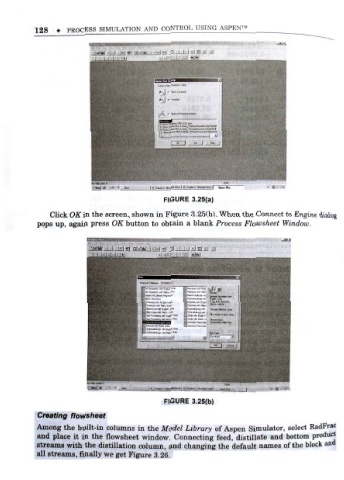
                                                 FIGURE 3.25(a)
                Click OiiTin the screen, shown in Figure 3.25(b). When the Connect to Engine dialog
            pops up, again press OK button to obtain a blank Process Flowsheet Window.


                                                 FIGURE 3.25(b)

            Creating flowsheet
                                                                                     select RadFrac
            Among the built-in columns in the Model Library of Aspen Simulator,
            and place it in the flowsheet window . Connecting feed, distillate and bottom product
            streams with the distillation column and changing the default names of the block and
                                                 ,
            all streams, finally we get Figure 3 . 26.

