


Page 143 - Process simulation and control using Aspen
P. 143
132      PROCESS SIMULATION AND CONTROL USING ASPEN

        Specifying stream information
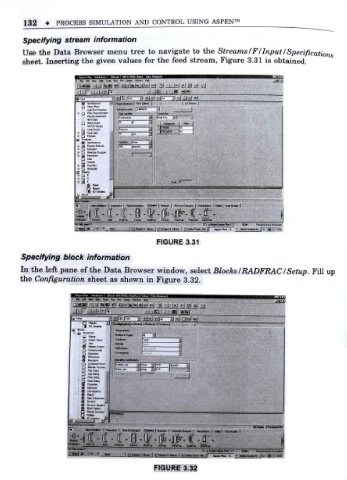
        Use the Data Browser menu tree to navigate to the Streams /F/Input/Specifications
        sheet. Inserting the given values for the feed stream, Figure 3.31 is obtained.


                                                                               r -itfi>t|

                                 3EfSiF -q  l-li Fi-Hid QUIH


                                            3  |m*  dr
                                                     it
                                                         ,
                                   (200  jbrt*.


                         1j


                                                                t
                                     1 Hm(t jr r:  CMlma | FtMcicn | RMMfOungett | Htie-Mm \ SieJ UtftKoM |
                                                           r
                                        Ejiki  Mulfia:  SCFlK  FmfiK  PmfiiK  9*0*1*:

                                              FIGURE 3.31

       Specifying block information
                f
       In the let pane of the Data Browser window      , select Blocks/RADFRAC/Setup. Fill up
                      t
       the Configuraion sheet as shown in Figure 3.32.

                             Sa To* Rn Pa tfea/ WMw Help
                       I r.-.|-.i-l fT       Nv i  11] isN
                                3
                         g BO VMbki


                         a «*


                          H*o4erHcuv*i  7]F 1  ?98  (trrotA,


                         O Dwt  i


                                                          - Ha
                                              FIGURE 3.32

