


Page 162 - Basics of MATLAB and Beyond
P. 162
InvertHardcopy: [ {on} | off ]
                                     PaperUnits: [ {inches} | centimeters
                                                 | normalized | points ]
                                     PaperOrientation: [ {portrait} | landscape ]
                                     PaperPosition
                                     PaperPositionMode: [ auto | {manual} ]
                                     PaperType: [ {usletter} | uslegal | a3| a4letter
                                                | a5 | b4 | tabloid ]
                               We won’t look at these in detail to start with; instead we’ll look at an
                               easy way to change these properties to get commonly wanted effects.

                               35.1   Print Size: Orient

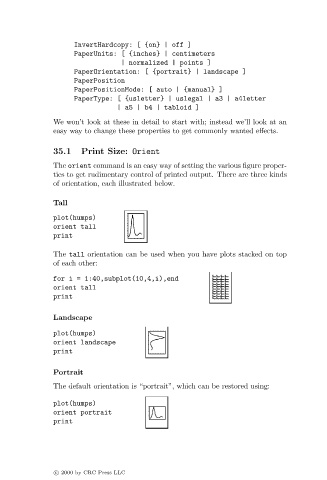
                               The orient command is an easy way of setting the various figure proper-
                               ties to get rudimentary control of printed output. There are three kinds
                               of orientation, each illustrated below.

                               Tall
                               plot(humps)
                               orient tall
                               print

                               The tall orientation can be used when you have plots stacked on top
                               of each other:
                               for i = 1:40,subplot(10,4,i),end
                               orient tall
                               print

                               Landscape

                               plot(humps)
                               orient landscape
                               print

                               Portrait
                               The default orientation is “portrait”, which can be restored using:

                               plot(humps)
                               orient portrait
                               print


                               c   2000 by CRC Press LLC

