


Page 161 - Basics of MATLAB and Beyond
P. 161
are the same size and aligned at the same x position. If you edit this
                               property, all of the selected items will be affected.
                                  Guide can be used for any matlab Figure, not just one that has
                               uicontrols or uimenus. For example, you can use guide to move around
                               a set of axes on a figure.

                               34.9   Other Aids

                               A suite of tools to help you program GUIs can be found in the uitools
                               subdirectory. Type help uitools to get a list of these tools and a short
                               summary of what they do. For example, the btngroup function can
                               be used to automatically create a group of buttons in which only one
                               button is allowed to be down at a time. Another possibility is a “flash”
                               button that presses in and immediately pops back out again. Button
                               appearance can also be customised using the btngroup function.
                                  When building a GUI, prototypes can be saved using print -dmfile.
                               Elements in your GUIthat you have produced from the command win-
                               dow will then be saved in the m-file.
                                  For further information on GUIs, see the manual Building GUIs with
                               MATLAB.


                               35    Printing Graphics

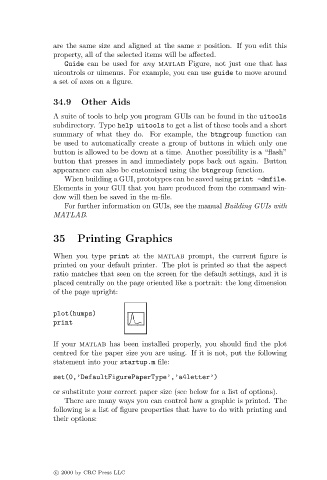
                               When you type print at the matlab prompt, the current figure is
                               printed on your default printer. The plot is printed so that the aspect
                               ratio matches that seen on the screen for the default settings, and it is
                               placed centrally on the page oriented like a portrait: the long dimension
                               of the page upright:

                               plot(humps)
                               print

                               If your matlab has been installed properly, you should find the plot
                               centred for the paper size you are using. If it is not, put the following
                               statement into your startup.m file:

                               set(0,’DefaultFigurePaperType’,’a4letter’)
                               or substitute your correct paper size (see below for a list of options).
                                  There are many ways you can control how a graphic is printed. The
                               following is a list of figure properties that have to do with printing and
                               their options:


                               c   2000 by CRC Press LLC

