


Page 165 - Basics of MATLAB and Beyond
P. 165
%!PS-Adobe-2.0
                               %%Creator: MATLAB, The Mathworks, Inc.
                               %%Title: file.ps
                               %%DocumentNeededFonts: Helvetica
                               %%DocumentProcessColors: Cyan Magenta Yellow Black
                               %%Pages: (atend)
                               %%BoundingBox: (atend)
                               %%EndComments
                               %%BeginProlog

                               % MathWorks dictionary
                               /MathWorks 150dict begin

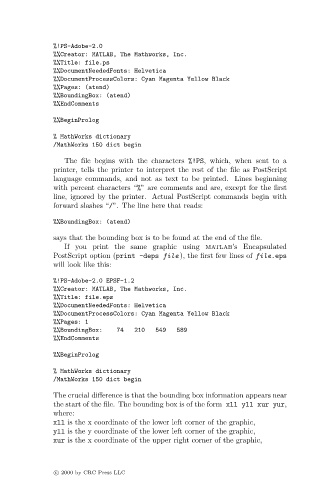
                                  The file begins with the characters %!PS, which, when sent to a
                               printer, tells the printer to interpret the rest of the file as PostScript
                               language commands, and not as text to be printed. Lines beginning
                               with percent characters “%” are comments and are, except for the first
                               line, ignored by the printer. Actual PostScript commands begin with
                               forward slashes “/”. The line here that reads:

                               %%BoundingBox: (atend)

                               says that the bounding box is to be found at the end of the file.
                                  If you print the same graphic using matlab’s Encapsulated
                               PostScript option (print -deps file ), the first few lines of file.eps
                               will look like this:

                               %!PS-Adobe-2.0EPSF-1.2
                               %%Creator: MATLAB, The Mathworks, Inc.
                               %%Title: file.eps
                               %%DocumentNeededFonts: Helvetica
                               %%DocumentProcessColors: Cyan Magenta Yellow Black
                               %%Pages: 1
                               %%BoundingBox:   74   210549     589
                               %%EndComments

                               %%BeginProlog

                               % MathWorks dictionary
                               /MathWorks 150dict begin

                               The crucial difference is that the bounding box information appears near
                               the start of the file. The bounding box is of the form xll yll xur yur,
                               where:
                               xll is the x coordinate of the lower left corner of the graphic,
                               yll is the y coordinate of the lower left corner of the graphic,
                               xur is the x coordinate of the upper right corner of the graphic,


                               c   2000 by CRC Press LLC

