


Page 163 - Basics of MATLAB and Beyond
P. 163
35.2   Print Size: WYSIWYG
                               By default, the size of the printed figure does not depend on the size
                               of the figure on the screen. If you stretched the window so that the
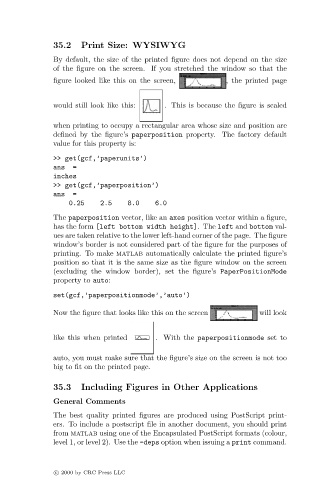
                               figure looked like this on the screen,         , the printed page


                               would still look like this:   . This is because the figure is scaled

                               when printing to occupy a rectangular area whose size and position are
                               defined by the figure’s paperposition property. The factory default
                               value for this property is:
                               >> get(gcf,’paperunits’)
                               ans  =
                               inches
                               >> get(gcf,’paperposition’)
                               ans  =
                                   0.25     2.5    8.0    6.0
                               The paperposition vector, like an axes position vector within a figure,
                               has the form [left bottom width height]. The left and bottom val-
                               ues are taken relative to the lower left-hand corner of the page. The figure
                               window’s border is not considered part of the figure for the purposes of
                               printing. To make matlab automatically calculate the printed figure’s
                               position so that it is the same size as the figure window on the screen
                               (excluding the window border), set the figure’s PaperPositionMode
                               property to auto:
                               set(gcf,’paperpositionmode’,’auto’)

                               Now the figure that looks like this on the screen       will look


                               like this when printed     . With the paperpositionmode set to


                               auto, you must make sure that the figure’s size on the screen is not too
                               big to fit on the printed page.

                               35.3   Including Figures in Other Applications

                               General Comments
                               The best quality printed figures are produced using PostScript print-
                               ers. To include a postscript file in another document, you should print
                               from matlab using one of the Encapsulated PostScript formats (colour,
                               level 1, or level 2). Use the -deps option when issuing a print command.


                               c c   2000 by CRC Press LLC

