


Page 205 - Basics of MATLAB and Beyond
P. 205
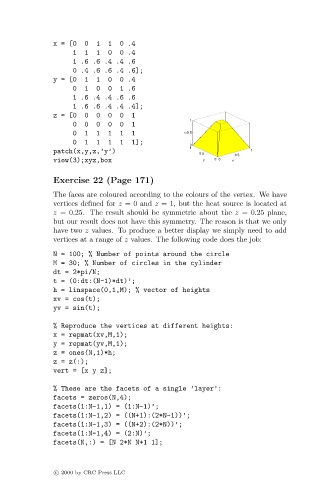
x = [0  0  1   1  0 .4
                                    1  1  1   0  0 .4
                                    1.6.6.4.4.6
                                    0 .4 .6 .6 .4 .6];
                               y = [0  1  1   0  0 .4
                                    0  1  0   0  1 .6
                                    1.6.4.4.6.6
                                    1 .6 .6 .4 .4 .4];
                               z = [0  0  0   0  0  1
                                                                   1
                                    0  0  0   0  0  1
                                    0  1  1   1  1  1              0.5
                                                                   z
                                    0  1  1   1  1  1];
                                                                   0
                                                                   1
                               patch(x,y,z,’y’)                                     1
                                                                      0.5
                                                                               0.5
                               view(3);xyz,box                         y  0  0  x
                               Exercise 22 (Page 171)
                               The faces are coloured according to the colours of the vertex. We have
                               vertices defined for z = 0 and z = 1, but the heat source is located at
                               z =0.25. The result should be symmetric about the z =0.25 plane,
                               but our result does not have this symmetry. The reason is that we only
                               have two z values. To produce a better display we simply need to add
                               vertices at a range of z values. The following code does the job:
                               N = 100; % Number of points around the circle
                               M = 30; % Number of circles in the cylinder
                               dt = 2*pi/N;
                               t = (0:dt:(N-1)*dt)’;
                               h = linspace(0,1,M); % vector of heights
                               xv = cos(t);
                               yv = sin(t);
                               % Reproduce the vertices at different heights:
                               x = repmat(xv,M,1);
                               y = repmat(yv,M,1);
                               z = ones(N,1)*h;
                               z = z(:);
                               vert = [x y z];

                               % These are the facets of a single ’layer’:
                               facets = zeros(N,4);
                               facets(1:N-1,1) = (1:N-1)’;
                               facets(1:N-1,2) = ((N+1):(2*N-1))’;
                               facets(1:N-1,3) = ((N+2):(2*N))’;
                               facets(1:N-1,4) = (2:N)’;
                               facets(N,:) = [N 2*N N+1 1];


                               c   2000 by CRC Press LLC

