


Page 495 - Excel 2007 Bible
P. 495
28_044039 ch22.qxp  11/21/06  11:12 AM  Page 452
                                  Part III
                                              Creating Charts and Graphics
                                             Changing the Style
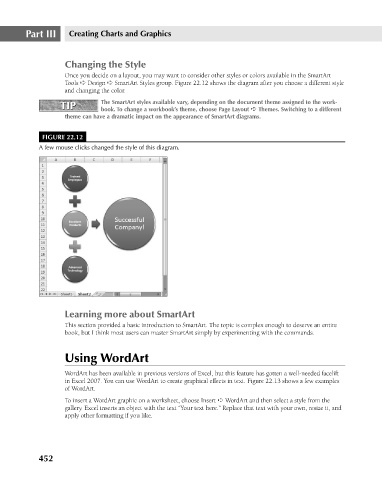
                                             Once you decide on a layout, you may want to consider other styles or colors available in the SmartArt
                                             Tools ➪ Design ➪ SmartArt Styles group. Figure 22.12 shows the diagram after you choose a different style
                                             and changing the color.
                                                       The SmartArt styles available vary, depending on the document theme assigned to the work-
                                            TIP
                                            TIP
                                                       book. To change a workbook’s theme, choose Page Layout ➪ Themes. Switching to a different
                                             theme can have a dramatic impact on the appearance of SmartArt diagrams.
                                       FIGURE 22.12
                                      A few mouse clicks changed the style of this diagram.


                                             Learning more about SmartArt
                                             This section provided a basic introduction to SmartArt. The topic is complex enough to deserve an entire
                                             book, but I think most users can master SmartArt simply by experimenting with the commands.


                                             Using WordArt

                                             WordArt has been available in previous versions of Excel, but this feature has gotten a well-needed facelift
                                             in Excel 2007. You can use WordArt to create graphical effects in text. Figure 22.13 shows a few examples
                                             of WordArt.
                                             To insert a WordArt graphic on a worksheet, choose Insert ➪ WordArt and then select a style from the
                                             gallery. Excel inserts an object with the text “Your text here.” Replace that text with your own, resize it, and
                                             apply other formatting if you like.


                                      452

