


Page 231 - Make Your Own PCBs with EAGLE from Schematic Designs to Finished Boards
P. 231
teach programming in EAGLE ULP, but we will touch on the basics so that you can use the built-in
  ULPs and also understand a few basic techniques.


  Running ULPs


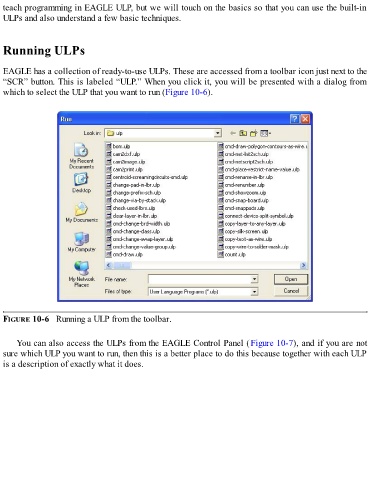
  EAGLE has a collection of ready-to-use ULPs. These are accessed from a toolbar icon just next to the
  “SCR” button. This is labeled “ULP.” When you click it, you will be presented with a dialog from
  which to select the ULP that you want to run (Figure 10-6).


  FIGURE 10-6   Running a ULP from the toolbar.


      You can also access the ULPs from the EAGLE Control Panel (Figure 10-7), and if you are not
  sure which ULP you want to run, then this is a better place to do this because together with each ULP
  is a description of exactly what it does.

