


Page 227 - Make Your Own PCBs with EAGLE from Schematic Designs to Finished Boards
P. 227
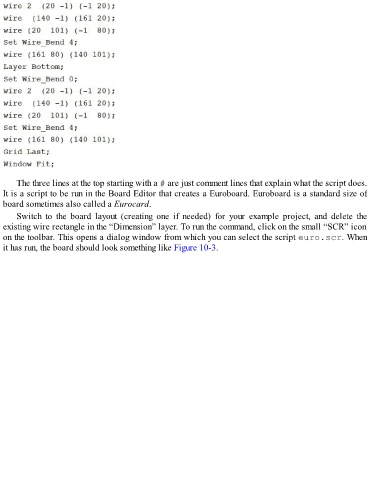
The three lines at the top starting with a # are just comment lines that explain what the script does.
  It is a script to be run in the Board Editor that creates a Euroboard. Euroboard is a standard size of
  board sometimes also called a Eurocard.

      Switch  to  the  board  layout  (creating  one  if  needed)  for  your  example  project,  and  delete  the
  existing wire rectangle in the “Dimension” layer. To run the command, click on the small “SCR” icon
  on the toolbar. This opens a dialog window from which you can select the script euro.scr. When
  it has run, the board should look something like Figure 10-3.

