


Page 232 - Make Your Own PCBs with EAGLE from Schematic Designs to Finished Boards
P. 232
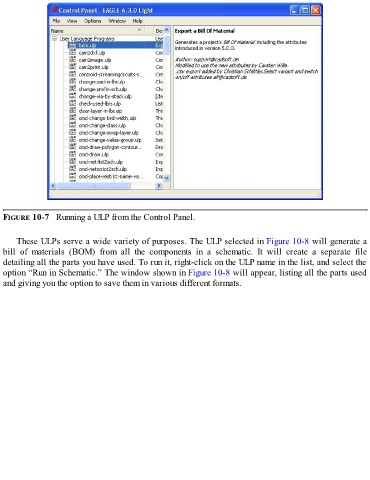
FIGURE 10-7   Running a ULP from the Control Panel.


      These ULPs serve a wide variety of purposes. The ULP selected in Figure 10-8 will generate a
  bill  of  materials  (BOM)  from  all  the  components  in  a  schematic.  It  will  create  a  separate  file
  detailing all the parts you have used. To run it, right-click on the ULP name in the list, and select the

  option “Run in Schematic.” The window shown in Figure 10-8 will appear, listing all the parts used
  and giving you the option to save them in various different formats.

