


Page 235 - Make Your Own PCBs with EAGLE from Schematic Designs to Finished Boards
P. 235
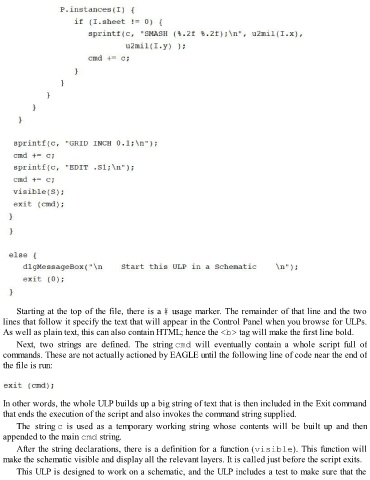
Starting at the top of the file, there is a # usage marker. The remainder of that line and the two
  lines that follow it specify the text that will appear in the Control Panel when you browse for ULPs.
  As well as plain text, this can also contain HTML; hence the <b> tag will make the first line bold.
      Next,  two  strings  are  defined.  The  string cmd  will  eventually  contain  a  whole  script  full  of
  commands. These are not actually actioned by EAGLE until the following line of code near the end of

  the file is run:


  In other words, the whole ULP builds up a big string of text that is then included in the Exit command

  that ends the execution of the script and also invokes the command string supplied.
      The  string c  is  used  as  a  temporary  working  string  whose  contents  will  be  built  up  and  then
  appended to the main cmd string.

      After the string declarations, there is a definition for a function (visible). This function will
  make the schematic visible and display all the relevant layers. It is called just before the script exits.

      This ULP is designed to work on a schematic, and the ULP includes a test to make sure that the

