


Page 328 -
P. 328
324                                                        M. Adams


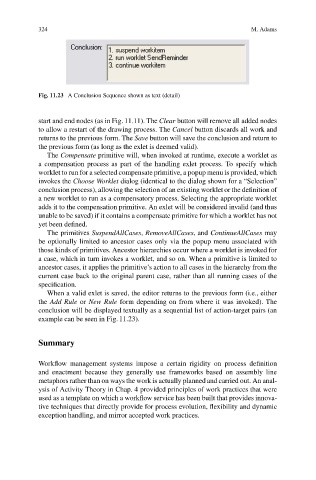
                           Fig. 11.23 A Conclusion Sequence shown as text (detail)


                           start and end nodes (as in Fig. 11.11). The Clear button will remove all added nodes
                           to allow a restart of the drawing process. The Cancel button discards all work and
                           returns to the previous form. The Save button will save the conclusion and return to
                           the previous form (as long as the exlet is deemed valid).
                              The Compensate primitive will, when invoked at runtime, execute a worklet as
                           a compensation process as part of the handling exlet process. To specify which
                           worklet to run for a selected compensate primitive, a popup menu is provided, which
                           invokes the Choose Worklet dialog (identical to the dialog shown for a “Selection”
                           conclusion process), allowing the selection of an existing worklet or the definition of
                           a new worklet to run as a compensatory process. Selecting the appropriate worklet
                           adds it to the compensation primitive. An exlet will be considered invalid (and thus
                           unable to be saved) if it contains a compensate primitive for which a worklet has not
                           yet been defined.
                              The primitives SuspendAllCases, RemoveAllCases,and ContinueAllCases may
                           be optionally limited to ancestor cases only via the popup menu associated with
                           those kinds of primitives. Ancestor hierarchies occur where a worklet is invoked for
                           a case, which in turn invokes a worklet, and so on. When a primitive is limited to
                           ancestor cases, it applies the primitive’s action to all cases in the hierarchy from the
                           current case back to the original parent case, rather than all running cases of the
                           specification.
                              When a valid exlet is saved, the editor returns to the previous form (i.e., either
                           the Add Rule or New Rule form depending on from where it was invoked). The
                           conclusion will be displayed textually as a sequential list of action-target pairs (an
                           example can be seen in Fig. 11.23).


                           Summary


                           Workflow management systems impose a certain rigidity on process definition
                           and enactment because they generally use frameworks based on assembly line
                           metaphors rather than on ways the work is actually planned and carried out. An anal-
                           ysis of Activity Theory in Chap. 4 provided principles of work practices that were
                           used as a template on which a workflow service has been built that provides innova-
                           tive techniques that directly provide for process evolution, flexibility and dynamic
                           exception handling, and mirror accepted work practices.

