


Page 689 - 02. Subyek Computer Aided Design - Beginner’s Guide to SOLIDWORKS 2019- Level 1 by Alejandro Reyes
P. 689
Beginner's Guide to SOLIDWORKS 2019- Level I


                                             •  Adjust  whatever  needs  to  be  adjusted  as  needed  until  the  result  is


                                                      acceptable using the lower quality settings.


                                             •  When  the  animation  is  moving  correctly  using  these  settings,  set  the


                                                      PhotoView settings to the optimal parameters recorded before.


                                             •  Set the image size and frame rate to the desired values for the final render.


                                             •  Wait for the render to complete.


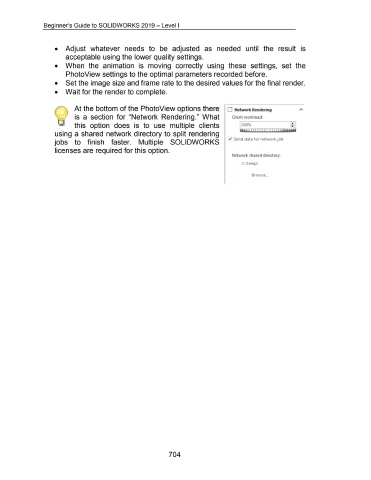
                                                             At the bottom of the Photo View options there  D  Network Rendering

                                                             is  a  section  for  "Network  Rendering."  What                                                                               Client workload:


                                                             this  option  does  is  to  use  multiple  clients


                                             using a shared  network directory to split rendering

                                                                                                                                                                                         [.;' Send data for network job
                                             jobs  to  finish  faster.  Multiple  SOLIDWORKS


                                             licenses are required for this option.

                                                                                                                                                                                            Network shared directory:


                                                                                                                                                                                                     C: temp\


                                                                                                                                                                                                            Browse  ...


                                                                                                                                         704

