


Page 224 - Mastering SolidWorks
P. 224
|
                                                                              uSinG Sketch PictureS    195


                    Using Three Views
                    When you’re building a model from images, it is often helpful to have three or more images from
                    orthogonal views, similar to re-creating a part from a 2D drawing. If you have a left view and a
                    right view, it may be a good idea to put them on planes that are slightly separated so the images
                    are not exactly on top of one another, which makes them both hard to see. Putting them on
                    slightly offset planes means that one will be clearly visible from one direction and the other
                    visible from the other direction.
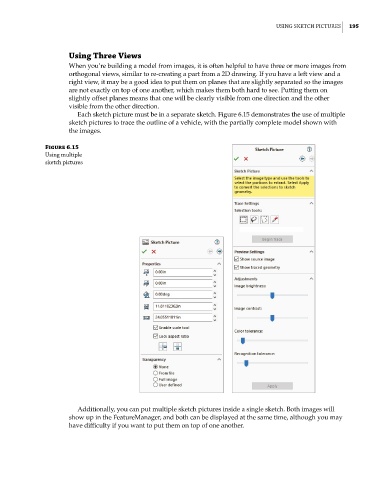
                       Each sketch picture must be in a separate sketch. Figure 6.15 demonstrates the use of multiple
                    sketch pictures to trace the outline of a vehicle, with the partially complete model shown with
                    the images.

              Figure 6.15
              using multiple
              sketch pictures


                       Additionally, you can put multiple sketch pictures inside a single sketch. Both images will
                    show up in the FeatureManager, and both can be displayed at the same time, although you may
                    have difficulty if you want to put them on top of one another.

