


Page 366 - Mastering SolidWorks
P. 366
|
        340   CHAPTER 11  Working With Part Configurations


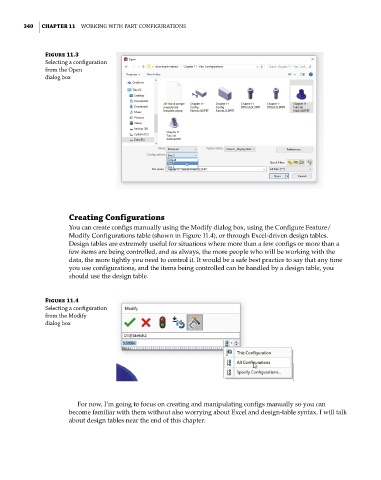
              Figure 11.3
              selecting a configuration
              from the open
              dialog box


                    Creating Configurations
                    You can create configs manually using the Modify dialog box, using the Configure Feature/
                    Modify Configurations table (shown in Figure 11.4), or through Excel-driven design tables.
                    Design tables are extremely useful for situations where more than a few configs or more than a
                    few items are being controlled, and as always, the more people who will be working with the
                    data, the more tightly you need to control it. It would be a safe best practice to say that any time
                    you use configurations, and the items being controlled can be handled by a design table, you
                    should use the design table.


              Figure 11.4
              selecting a configuration
              from the Modify
              dialog box


                       For now, I’m going to focus on creating and manipulating configs manually so you can
                    become familiar with them without also worrying about Excel and design-table syntax. I will talk
                    about design tables near the end of this chapter.

