


Page 158 - Process simulation and control using Aspen
P. 158
ASPEN PLUS    SINfULATION OF DISTILLATION MODELS       145

         Viewing results
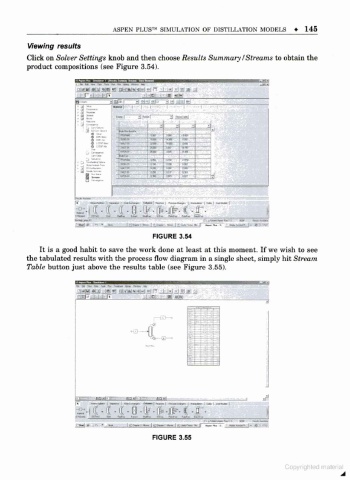
         Click on Solver Settings knob and then choose Results Summary /Streams to obtain the
         product compositions (see Figure 3.54).


                         r-i .i.i>fv       - jci

                                    rl  3'-f     13 "--l
                                               9            J
                                                         _
                                   IM Mi
                                   mmf ~   " Hi  1  " T»  TBH
                                   «.>*        " TOB  1  l» . "
                                                         | 1  J
                                   »*».    - sin  1  " rtai-'  -
                                   Will          ue  in  1  !
                                   TariT   '  ««  IM
                                            lb   i«»
                                                 i . «
                                                "
                                   aoni     IJH-  TIB  TM
                                   ntn     1  . a  l<»  III
                                   Tf«5B   1
                      f»   n hi  1  i  I wr mi  "in 1  «  » hihi  I "i  |
                       | <u«  reWj  M  M«  C-»  Mta  ti>«  rmt»  Km*~
                       -
                                                             .rw »  -.«»«* I- .> '..
                                             FIGURE 3.54
            It is a good habit to save the work done at least at this moment. If we wish to see
         the tabulated results with the process flow diagram in a single sheet, simply hit Stream
         Table button just above the results table (see Figure 3.55).


                       JMMI .til _!.) a nH-|»l%l<M ») r  I i-l .IglJi £j
                       lisf i             - i -id  urn


                                            «-C3-


                                             FIGURE 3.55

