


Page 121 - Make Your Own PCBs with EAGLE from Schematic Designs to Finished Boards
P. 121
Delete

  I have indicated that this is an important command, but actually it’s a command that is important that
  you do not use in the Board Editor, at least on parts. If you want to delete parts, then you should do it
  in  the  Schematic  Editor.  When  you  delete  them  there,  they  will  automatically  disappear  from  the
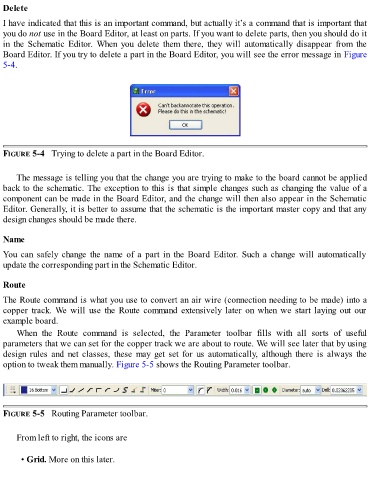
  Board Editor. If you try to delete a part in the Board Editor, you will see the error message in Figure

  5-4.


  FIGURE 5-4   Trying to delete a part in the Board Editor.


      The message is telling you that the change you are trying to make to the board cannot be applied
  back to the schematic. The exception to this is that simple changes such as changing the value of a
  component can be made in the Board Editor, and the change will then also appear in the Schematic
  Editor. Generally, it is better to assume that the schematic is the important master copy and that any
  design changes should be made there.


  Name

  You  can  safely  change  the  name  of  a  part  in  the  Board  Editor.  Such  a  change  will  automatically
  update the corresponding part in the Schematic Editor.


  Route

  The Route command is what you use to convert an air wire (connection needing to be made) into a
  copper  track.  We  will  use  the  Route  command  extensively  later  on  when  we  start  laying  out  our

  example board.
      When  the  Route  command  is  selected,  the  Parameter  toolbar  fills  with  all  sorts  of  useful
  parameters that we can set for the copper track we are about to route. We will see later that by using
  design  rules  and  net  classes,  these  may  get  set  for  us  automatically,  although  there  is  always  the
  option to tweak them manually. Figure 5-5 shows the Routing Parameter toolbar.


  FIGURE 5-5   Routing Parameter toolbar.


      From left to right, the icons are


        • Grid. More on this later.

