


Page 248 - Make Your Own PCBs with EAGLE from Schematic Designs to Finished Boards
P. 248
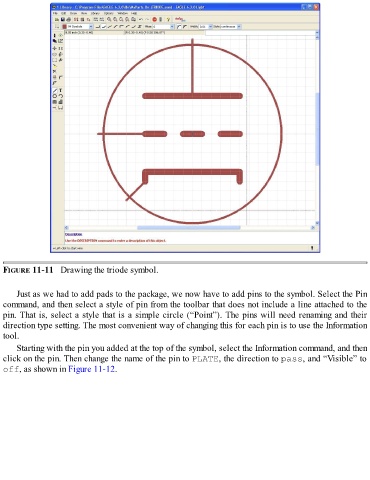
FIGURE 11-11   Drawing the triode symbol.


      Just as we had to add pads to the package, we now have to add pins to the symbol. Select the Pin
  command, and then select a style of pin from the toolbar that does not include a line attached to the
  pin. That is, select a style that is a simple circle (“Point”). The pins will need renaming and their
  direction type setting. The most convenient way of changing this for each pin is to use the Information
  tool.

      Starting with the pin you added at the top of the symbol, select the Information command, and then
  click on the pin. Then change the name of the pin to PLATE, the direction to pass, and “Visible” to
  off, as shown in Figure 11-12.

