


Page 250 - Make Your Own PCBs with EAGLE from Schematic Designs to Finished Boards
P. 250
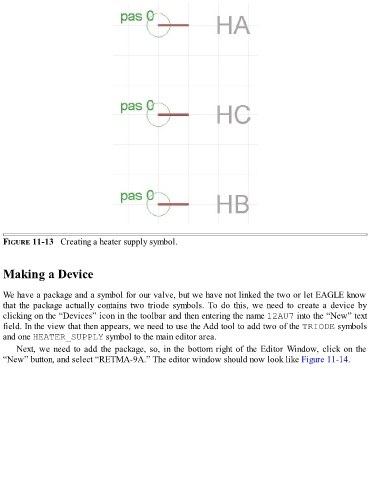
FIGURE 11-13   Creating a heater supply symbol.


  Making a Device


  We have a package and a symbol for our valve, but we have not linked the two or let EAGLE know
  that the package actually contains two triode symbols. To do this, we need to create a device by
  clicking on the “Devices” icon in the toolbar and then entering the name 12AU7 into the “New” text

  field. In the view that then appears, we need to use the Add tool to add two of the TRIODE symbols
  and one HEATER_SUPPLY symbol to the main editor area.
      Next, we need to add the package, so, in the bottom right of the Editor Window, click on the
  “New” button, and select “RETMA-9A.” The editor window should now look like Figure 11-14.

