


Page 246 - Make Your Own PCBs with EAGLE from Schematic Designs to Finished Boards
P. 246
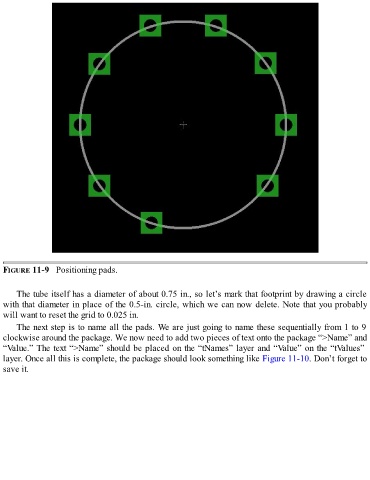
FIGURE 11-9   Positioning pads.


      The tube itself has a diameter of about 0.75 in., so let’s mark that footprint by drawing a circle
  with that diameter in place of the 0.5-in. circle, which we can now delete. Note that you probably
  will want to reset the grid to 0.025 in.

      The next step is to name all the pads. We are just going to name these sequentially from 1 to 9
  clockwise around the package. We now need to add two pieces of text onto the package “>Name” and
  “Value.” The text “>Name” should be placed on the “tNames” layer and “Value” on the “tValues”
  layer. Once all this is complete, the package should look something like Figure 11-10. Don’t forget to
  save it.

