


Page 367 - Between One and Many The Art and Science of Public Speaking
P. 367
334                   Part 3  Putting Theory Into Practice


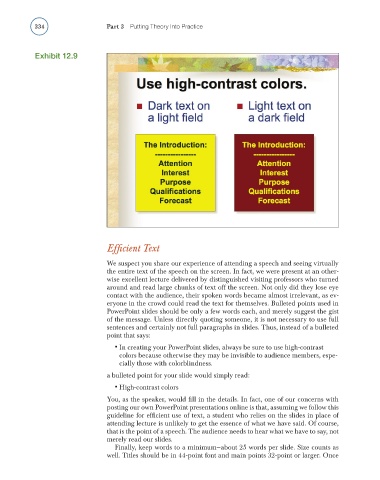
                  Exhibit 12.9


                                        Effi cient Text

                                        We suspect you share our experience of attending a speech and seeing virtually
                                        the entire text of the speech on the screen. In fact, we were present at an other-
                                        wise excellent lecture delivered by distinguished visiting professors who turned
                                        around and read large chunks of text off the screen. Not only did they lose eye
                                        contact with the audience, their spoken words became almost irrelevant, as ev-
                                        eryone in the crowd could read the text for themselves. Bulleted points used in
                                        PowerPoint slides should be only a few words each, and merely suggest the gist
                                        of the message. Unless directly quoting someone, it is not necessary to use full
                                        sentences and certainly not full paragraphs in slides. Thus, instead of a bulleted
                                        point that says:
                                          •  In creating your PowerPoint slides, always be sure to use high-contrast
                                           colors because otherwise they may be invisible to audience members, espe-
                                           cially those with colorblindness.
                                        a bulleted point for your slide would simply read:
                                          •  High-contrast colors
                                        You, as the speaker, would fi ll in the details. In fact, one of our concerns with
                                        posting our own PowerPoint presentations online is that, assuming we follow this
                                        guideline for effi cient use of text, a student who relies on the slides in place of
                                        attending lecture is unlikely to get the essence of what we have said. Of course,
                                        that is the point of a speech. The audience needs to hear what we have to say, not
                                        merely read our slides.
                                          Finally, keep words to a minimum—about 25 words per slide. Size counts as
                                        well. Titles should be in 44-point font and main points 32-point or larger. Once

