


Page 467 - Excel 2007 Bible
P. 467
27_044039 ch21.qxp  11/21/06  11:12 AM  Page 424
                                  Part III
                                              Creating Charts and Graphics
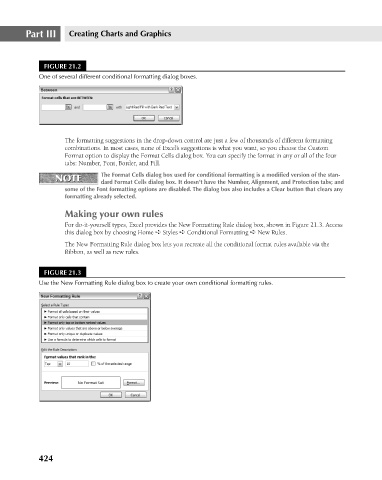
                                       FIGURE 21.2
                                      One of several different conditional formatting dialog boxes.
                                             The formatting suggestions in the drop-down control are just a few of thousands of different formatting
                                             combinations. In most cases, none of Excel’s suggestions is what you want, so you choose the Custom
                                             Format option to display the Format Cells dialog box. You can specify the format in any or all of the four
                                             tabs: Number, Font, Border, and Fill.
                                                       The Format Cells dialog box used for conditional formatting is a modified version of the stan-
                                          NOTE
                                           NOTE
                                                       dard Format Cells dialog box. It doesn’t have the Number, Alignment, and Protection tabs; and
                                             some of the Font formatting options are disabled. The dialog box also includes a Clear button that clears any
                                             formatting already selected.
                                             Making your own rules
                                             For do-it-yourself types, Excel provides the New Formatting Rule dialog box, shown in Figure 21.3. Access
                                             this dialog box by choosing Home ➪ Styles ➪ Conditional Formatting ➪ New Rules.
                                             The New Formatting Rule dialog box lets you recreate all the conditional format rules available via the
                                             Ribbon, as well as new rules.
                                       FIGURE 21.3
                                      Use the New Formatting Rule dialog box to create your own conditional formatting rules.


                                      424

