


Page 127 - Make Your Own PCBs with EAGLE from Schematic Designs to Finished Boards
P. 127
Create a Board from the Schematic


  We do not yet have a board for this schematic, so from the File menu, select the option “Switch to
  Board.” You will be informed that the board does not exist and will be asked if you want to create it
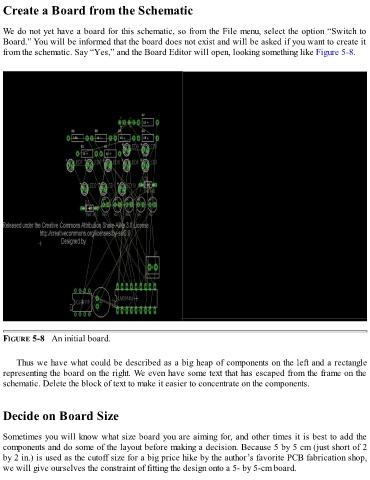
  from the schematic. Say “Yes,” and the Board Editor will open, looking something like Figure 5-8.


  FIGURE 5-8   An initial board.


      Thus we have what could be described as a big heap of components on the left and a rectangle
  representing the board on the right. We even have some text that has escaped from the frame on the
  schematic. Delete the block of text to make it easier to concentrate on the components.


  Decide on Board Size


  Sometimes you will know what size board you are aiming for, and other times it is best to add the

  components and do some of the layout before making a decision. Because 5 by 5 cm (just short of 2
  by 2 in.) is used as the cutoff size for a big price hike by the author’s favorite PCB fabrication shop,
  we will give ourselves the constraint of fitting the design onto a 5- by 5-cm board.

