


Page 130 - Make Your Own PCBs with EAGLE from Schematic Designs to Finished Boards
P. 130
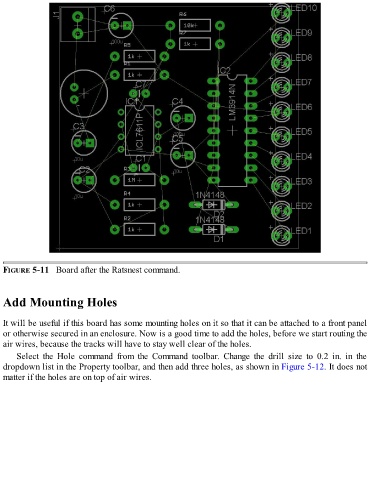
FIGURE 5-11   Board after the Ratsnest command.


  Add Mounting Holes


  It will be useful if this board has some mounting holes on it so that it can be attached to a front panel
  or otherwise secured in an enclosure. Now is a good time to add the holes, before we start routing the
  air wires, because the tracks will have to stay well clear of the holes.

      Select  the  Hole  command  from  the  Command  toolbar.  Change  the  drill  size  to  0.2  in.  in  the
  dropdown list in the Property toolbar, and then add three holes, as shown in Figure 5-12. It does not
  matter if the holes are on top of air wires.

