


Page 132 - Make Your Own PCBs with EAGLE from Schematic Designs to Finished Boards
P. 132
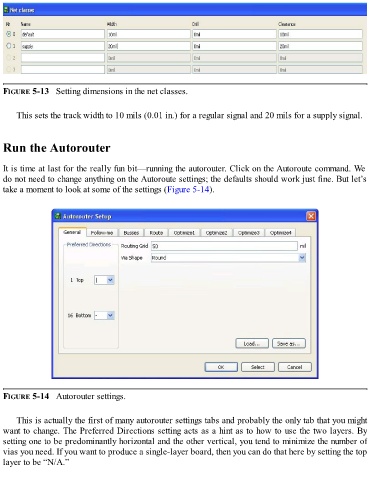
FIGURE 5-13   Setting dimensions in the net classes.


      This sets the track width to 10 mils (0.01 in.) for a regular signal and 20 mils for a supply signal.


  Run the Autorouter


  It is time at last for the really fun bit—running the autorouter. Click on the Autoroute command. We
  do not need to change anything on the Autoroute settings; the defaults should work just fine. But let’s
  take a moment to look at some of the settings (Figure 5-14).


  FIGURE 5-14   Autorouter settings.


      This is actually the first of many autorouter settings tabs and probably the only tab that you might
  want to change. The Preferred Directions setting acts as a hint as to how to use the two layers. By
  setting one to be predominantly horizontal and the other vertical, you tend to minimize the number of
  vias you need. If you want to produce a single-layer board, then you can do that here by setting the top

  layer to be “N/A.”

