


Page 146 - Make Your Own PCBs with EAGLE from Schematic Designs to Finished Boards
P. 146
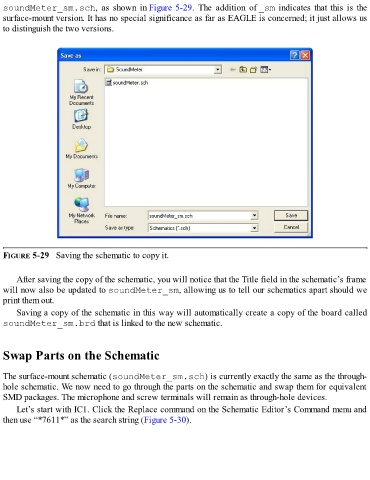
soundMeter_sm.sch,  as  shown  in Figure 5-29.  The  addition  of _sm indicates that this is the
  surface-mount version. It has no special significance as far as EAGLE is concerned; it just allows us
  to distinguish the two versions.


  FIGURE 5-29   Saving the schematic to copy it.


      After saving the copy of the schematic, you will notice that the Title field in the schematic’s frame
  will now also be updated to soundMeter_sm, allowing us to tell our schematics apart should we
  print them out.

      Saving a copy of the schematic in this way will automatically create a copy of the board called
  soundMeter_sm.brd that is linked to the new schematic.


  Swap Parts on the Schematic


  The surface-mount schematic (soundMeter_sm.sch) is currently exactly the same as the through-
  hole schematic. We now need to go through the parts on the schematic and swap them for equivalent
  SMD packages. The microphone and screw terminals will remain as through-hole devices.

      Let’s start with IC1. Click the Replace command on the Schematic Editor’s Command menu and
  then use “*7611*” as the search string (Figure 5-30).

